Breville Barista Express — Removing and lubricating the steam/hot water knob
The steam/hot water selector knob on the right side of the Breville Barista Express often becomes stiff and difficult to turn. Lubricating the internal mechanism restores smooth operation and takes only a few minutes.
What you’ll need
- Food-safe synthetic lubricant with a needle-nose applicator (e.g. Super Lube Synthetic Oil)
- A soft-grip tool such as a quick clamp with rubber pads (for leverage when pulling the knob)
- A 3/8” drive ratchet (optional, for turning the valve stem)
- A paper towel or cloth
Procedure
Step 1 — Remove the knob
The steam/hot water selector knob is on the right side of the machine. It rotates between three positions: steam (steam icon, left), standby (center), and hot water (water drop icon, right).
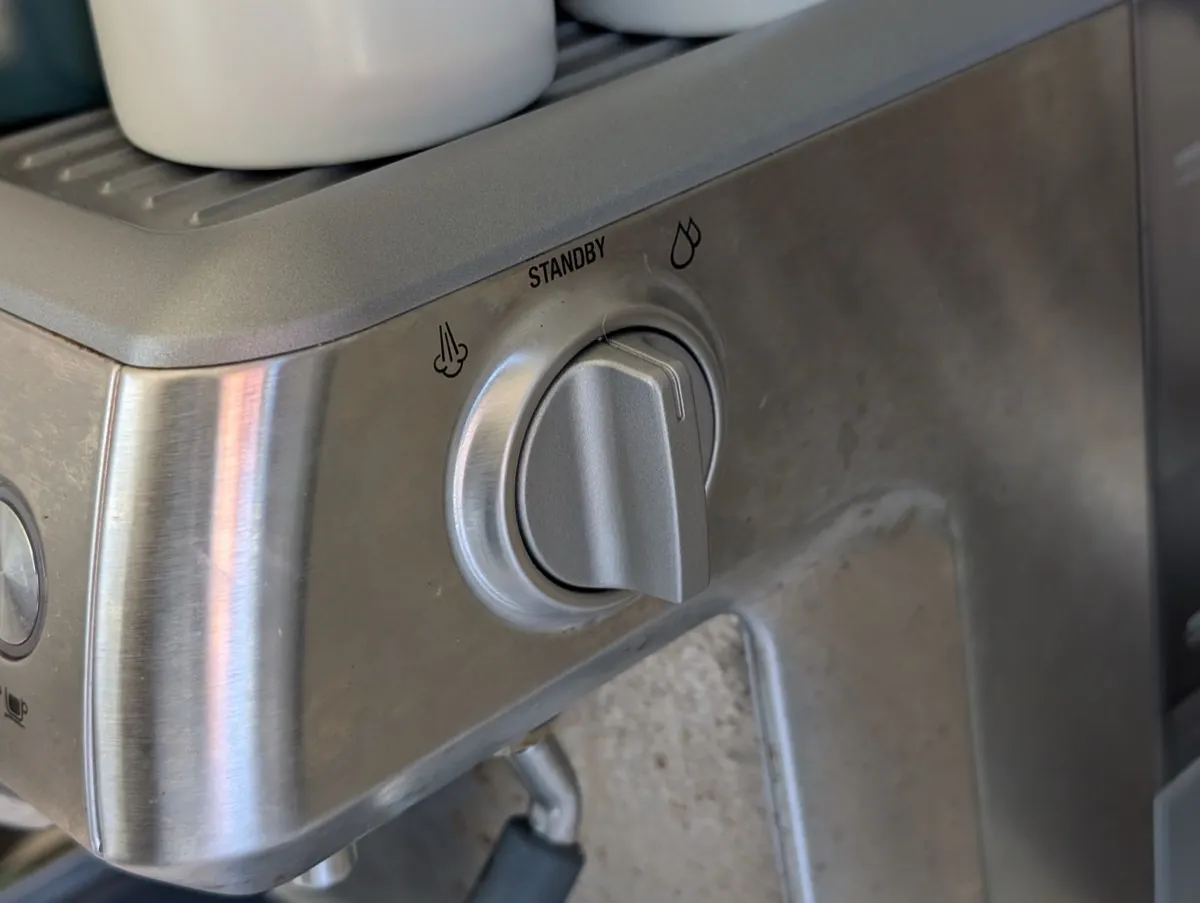
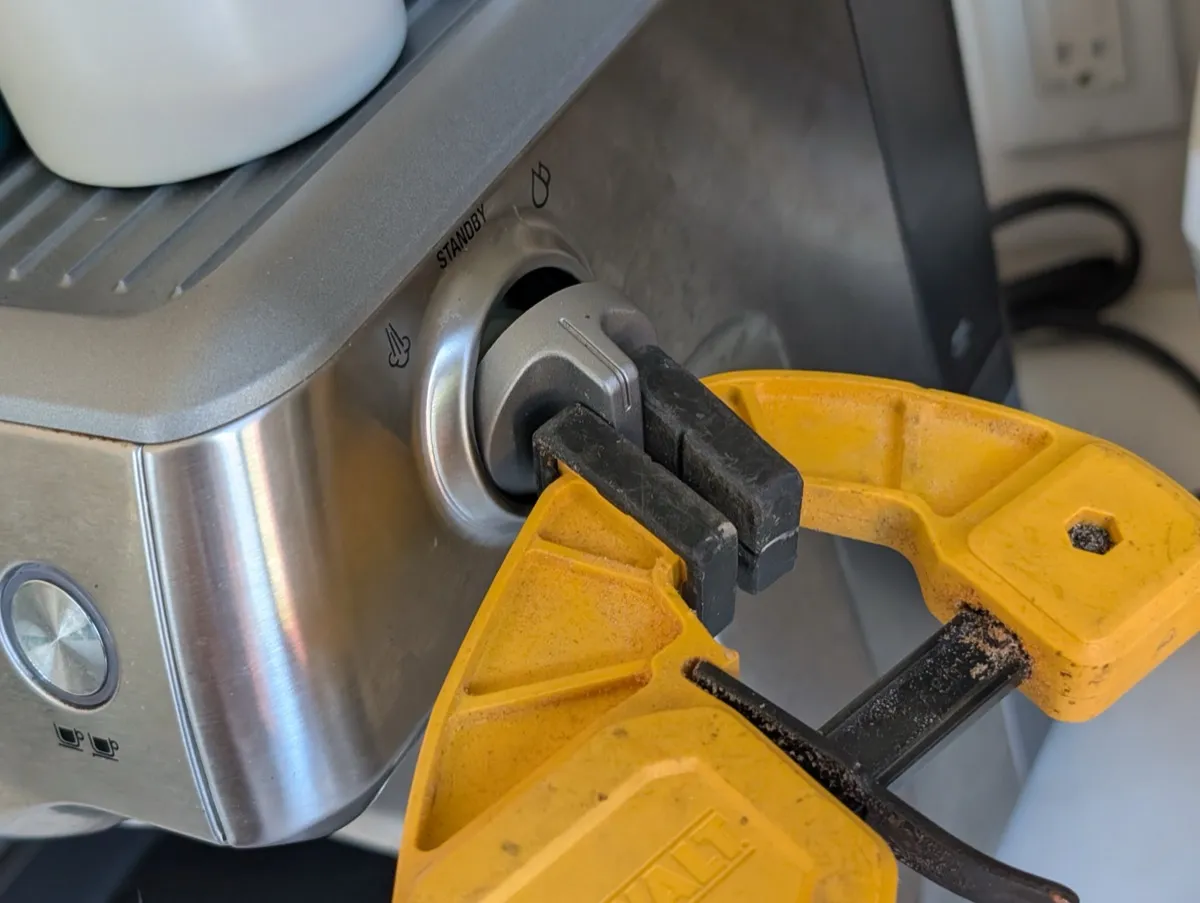
Pull the knob directly outward, perpendicular to the side of the machine. You will need to pull very firmly — the knob has an internal spring clip that must release. You may need to wiggle the knob side-to-side slightly as you pull outward. For more leverage, grip with a soft tool like a quick clamp with rubber pads as shown below.
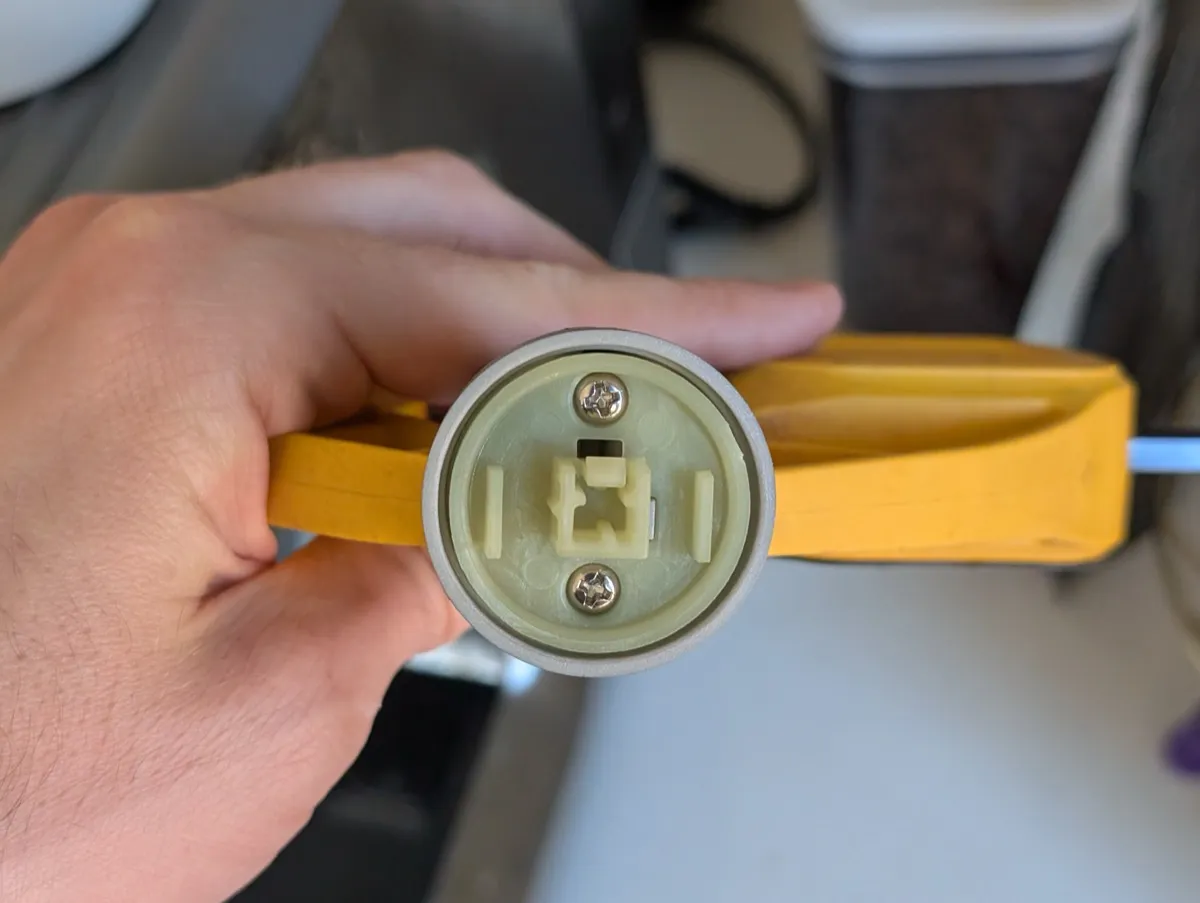
For reference, the inside of the knob has a square plastic coupler that mates with the valve stem.
Step 2 — Apply lubricant
With the knob removed you can see the valve assembly. The red arrows in the photo below point to the outer ring of the selector — this is where you should apply lubricant.
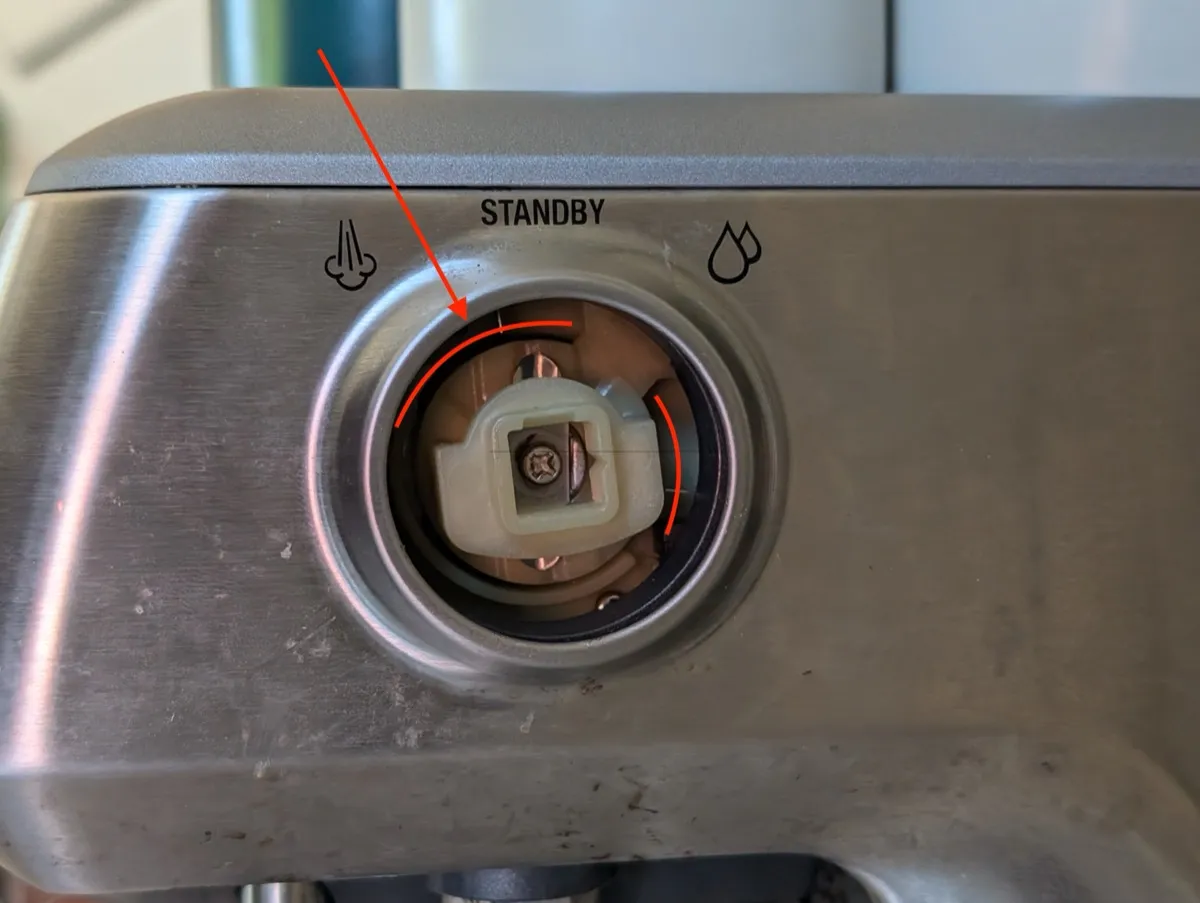
Using a needle-nose applicator, apply lubricant behind the outer ring of the selector. I used Super Lube Synthetic Oil.
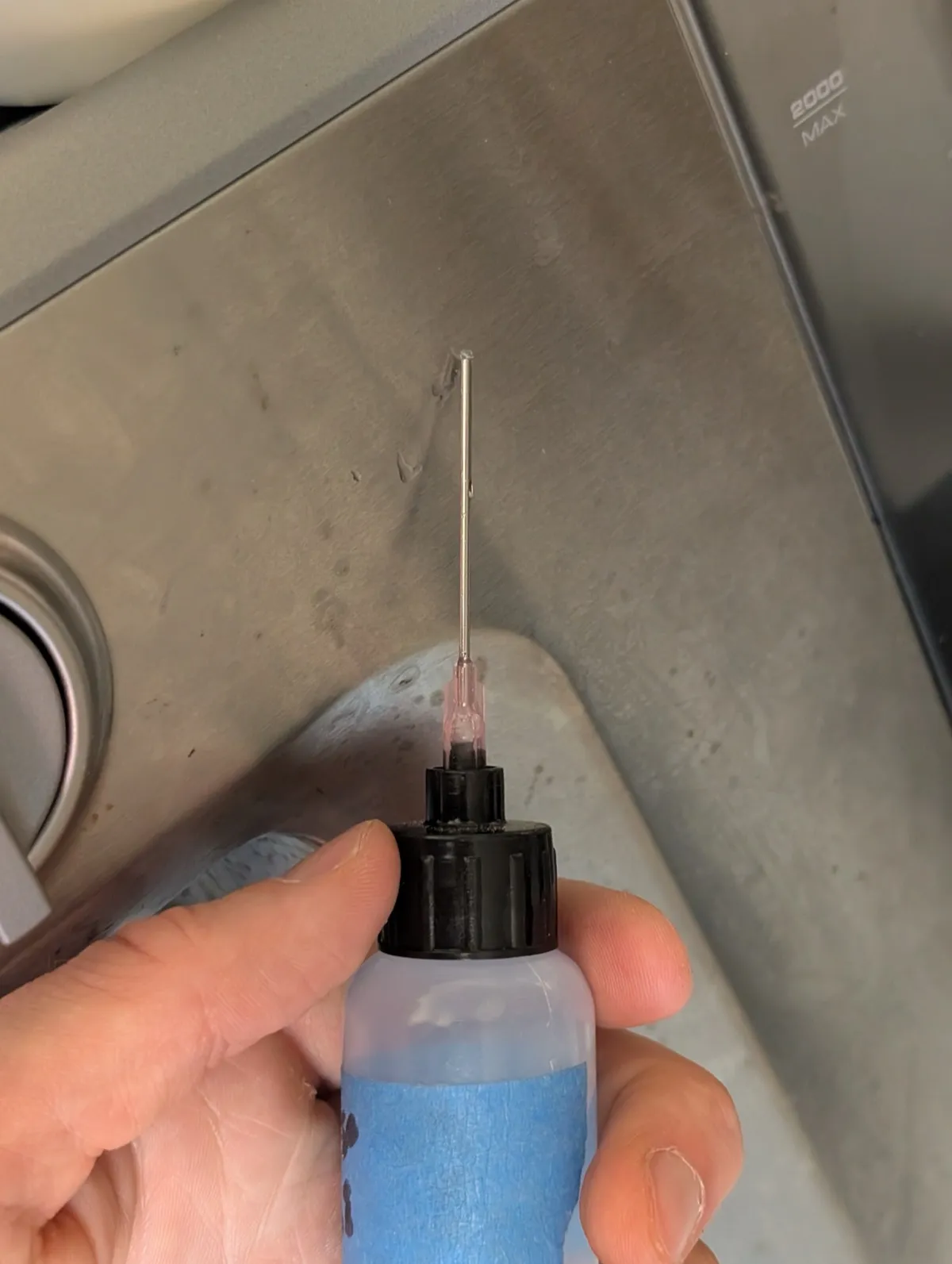
Turn the selector manually to work the lubricant into the mechanism. The receiver is 3/8”, so a 3/8” drive ratchet will make it easy to turn back and forth.
Step 3 — Reassemble
Push the knob straight back onto the valve stem, which will re-engage the spring clip. Rotate the knob through all three positions (steam → standby → hot water) to ensure the selector is functional and turns smoothly.